Sometimes it may be necessary to check the debug logs if you think you have everything setup for a user correct in Orions user settings and the Orion program and Exchange are not syncing together. To do this first remote over to the Exchange server. Once there click the windows button–>all programs–>Orion Exchange Sync–>Orion Exchange Sync Config.

You’ll get a screen like below. Yours will probably only have one entry listed, just click on edit.

Once into the config settings go to the tab that says logging and then click on launch log viewer console.

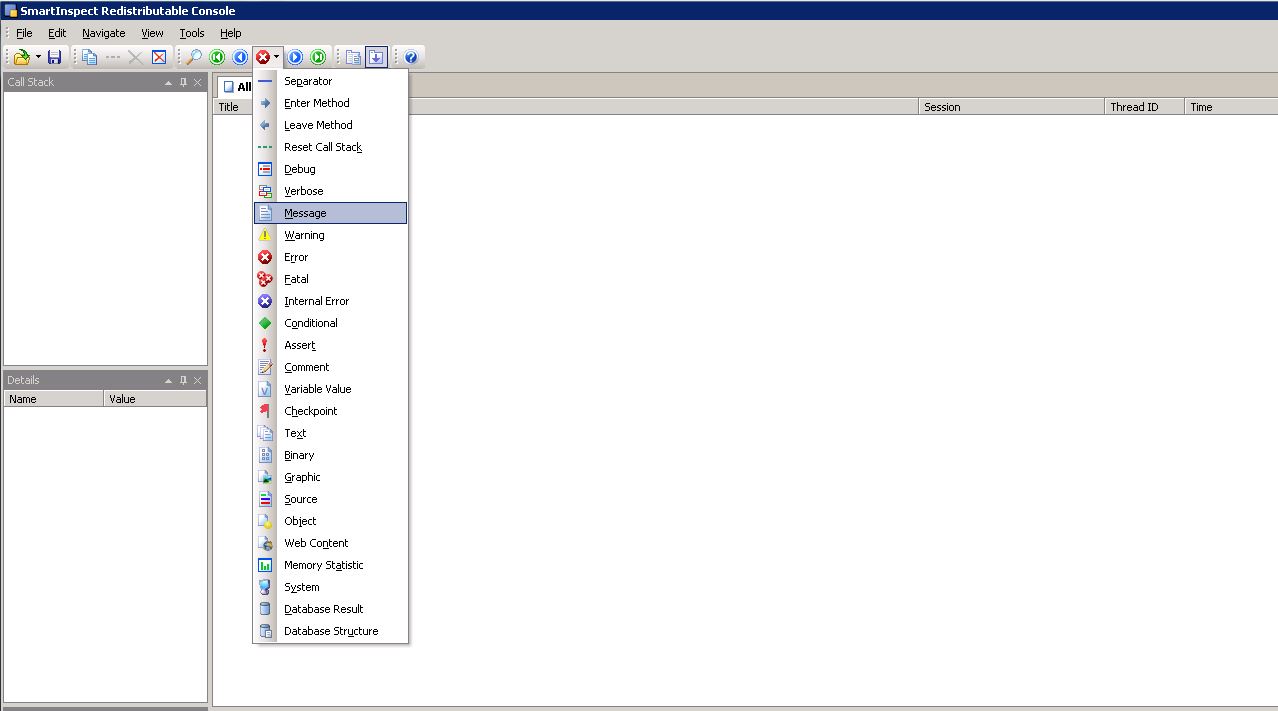
This will pop up the smartinpect program. Give it a little bit and it should start displaying everytime it tries to sync a user between Orion and Exchange. The button in between the left blue arrow and the right blue arrow is what you can search by. The red X will search for errors so then you can just hit the right blue arrow to go to the next error the log finds.